
INTRODUCING GSC Live!
Merging the endless possibilities of MetaTrader 4 with
Physical Gold, Silver & Platinum into one mighty platform.
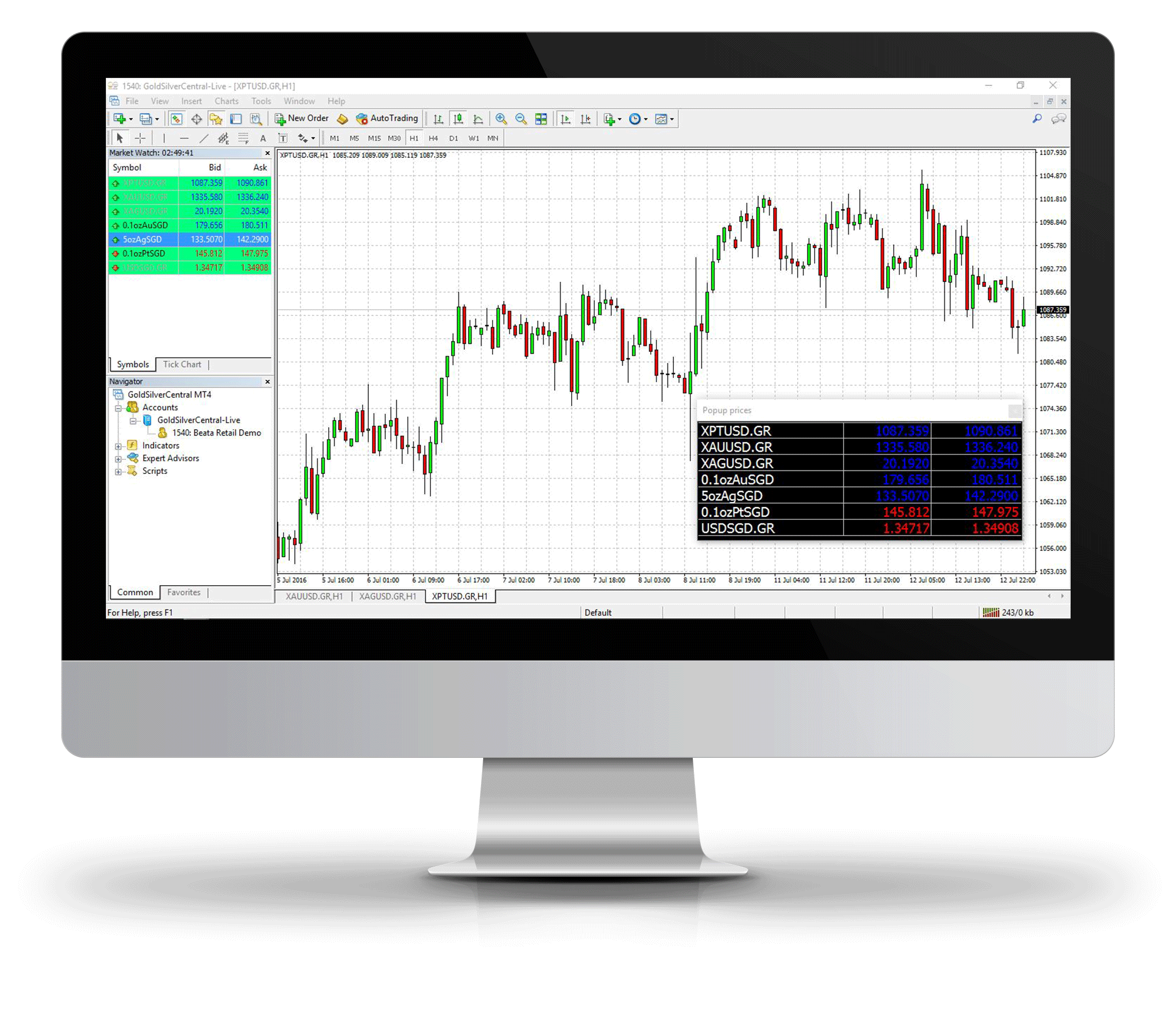
ABOUT GSC Live!
GSC Live! provides you with the ultimate combination
of accessibility & convenience to purchase and sell
Physical Gold, Silver and Platinum online in SGD
or USD based
on the current spot prices with thin spreads*.

WHY GSC Live!
The First Spot Deliverable, Physically Backed Gold, Silver and Platinum
on MetaTrader 4 in Singapore

SPOT DELIVERABLE
With the option to take physical
delivery of Gold, Silver and Platinum.

TRANSACT ANYWHERE
Whether in Singapore or out of the country, GSC Live! empowers you to buy and sell Gold, Silver & Platinum anywhere with an internet connection.

REAL-TIME SPOT PRICES
Take advantage of the opportunities in the frequent price fluctuations during the London & New York Trading Hours.
UNLOCK THE FULL FEATURES OF YOUR FREE GSC Live! ACCOUNT WITH US NOW
Follow the Account opening Instructions below or email us at [email protected]
HOW TO OPEN YOUR GSC Live! ACCOUNT
Opening your GSC Live! Account with Full Features is Free!
Free Account Openingfor GSC Live! (Full Features)
To open your free GSC Live! Account with purchasing ability, we only need you to fill up the online form and to upload your Identification Card/Passport and a copy of your Bank Statement. As the GSC Live! Account will be pegged to your Bank Statement for any fund transfers.
View our Terms & Conditions here +
Prepare your Identification Card or your Passport & Bank Statement (.pdf)
This will be uploaded on to the GSC Live! Account Opening Form

HAVING PROBLEMS UPLOADING YOUR DOCUMENTS ONLINE?
Fret not! We are here to help!
Call us at 6222 9703 or email us at [email protected]
SPECIFICATIONS
| GSC Live! SPECIFICATIONS | |||
|---|---|---|---|
| GOLD | SILVER | PLATINUM | |
| ACCOUNT OPENING | FREE | ||
| NEW TRADE REQUIREMENTS | Full Advance Payment | ||
| TRADING HOURS | Monday, 6:15am to Saturday, 4:45am Singapore Time (SGT), UTC +8 |
||
| MINIMUM CONTRACT SIZE IN OUNCES | 1/10 oz and above | 5 oz and above | 1/10 oz and above |
| COMPATIBLE OPERATING SYSTEMS |  |
||
| PLATFORMS FOR GSC Live! | Server Name: GoldSilverCentral-Live Platform: MetaTrader 4 (MT4) |
||
| MINIMUM AMOUNT TO CREDIT ACCOUNT TO START TRADING | SGD 2,000.00 | ||
GET STARTED ON GSC Live!
Instructions for Desktop & Mobile App here.
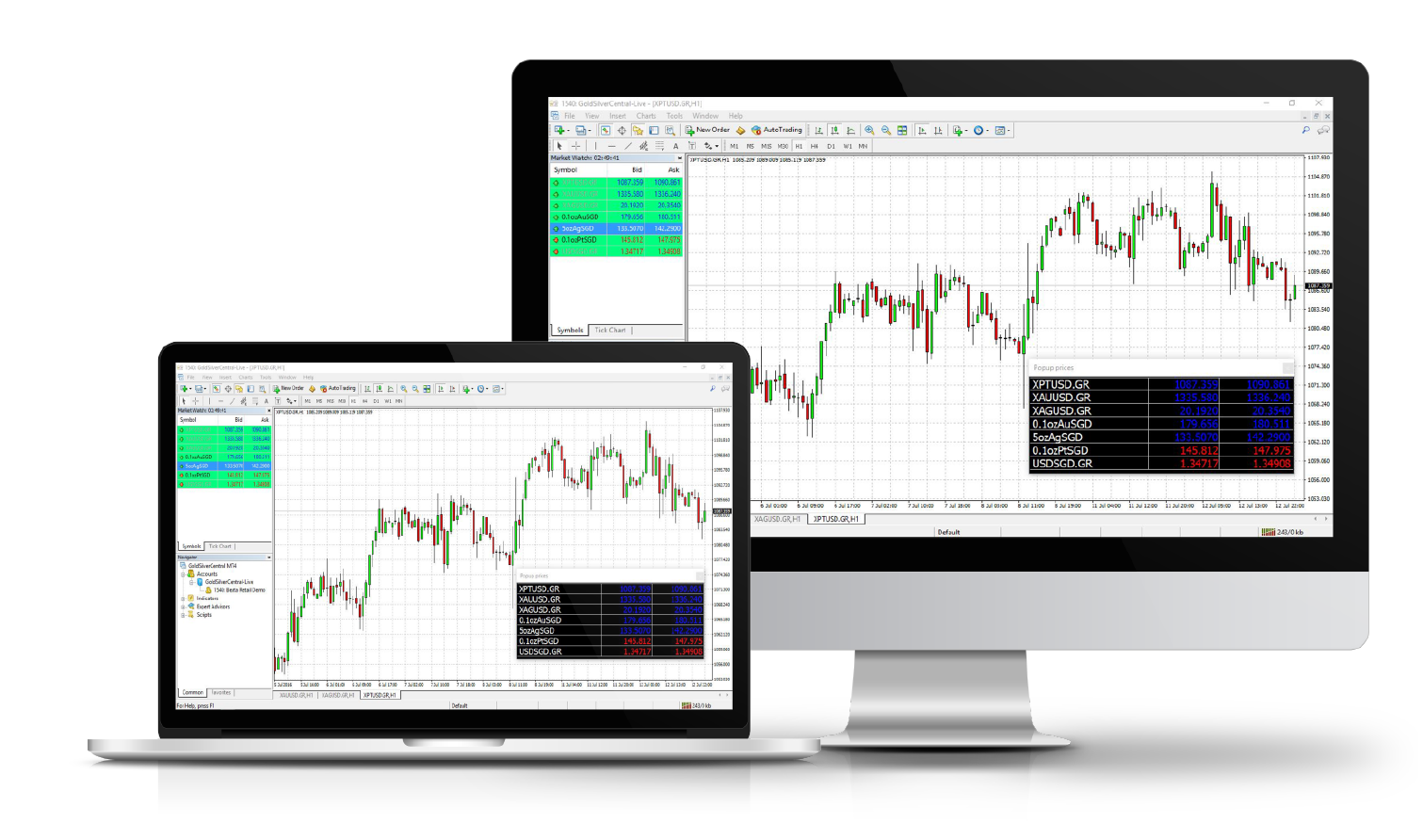
DOWNLOADING GSC Live! FOR DESKTOP
Click on the button below to download the GSC Live! desktop application for Windows here.
For iOS (Apple Macbook or iMac) operating system, click here for instructions.
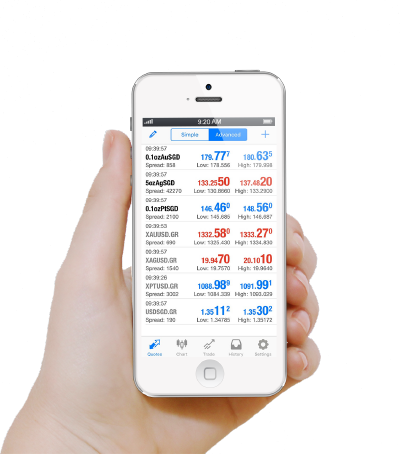
DOWNLOADING GSC Live! FOR MOBILE
Download "MetaTrader 4" on either App Store (for iPhone) or Google play (for Android). Launch MetaTrader 4 on your device and choose "Login to an Existing Account" option under "New Account".
Search for "GoldSilverCentral-Live" under "Choose Trading Server" and enter login details.
To view the full information on downloading GSC Live on your mobile devices, please click here.
Not sure how to set up your GSC Live! platform and how to fully utilize its dynamic functions?
Then view our GSC Live! Retail Manual Here!
WHAT HAPPENS AFTER YOU SUBMIT THE ACCOUNT OPENING FORM TO US
EMAIL CONFIRMATION
You will receive an Email Confirmation
that your GSC Live! Account is activated
with your username and password.
DOWNLOAD ON YOUR DEVICES
As per the instructions above, please download
GSC Live! either on a desktop or your
mobile devices.
LAUNCH GSC Live!
On the top bar, click on the "File" button
and to "Login to Trade Account"
LOGIN TO GSC Live! SERVER
In the server option, find "GoldSilverCentral-Live" and Login with the username and password seen in your email from us.